The actual,
hand-to-hand,
store combat guide.
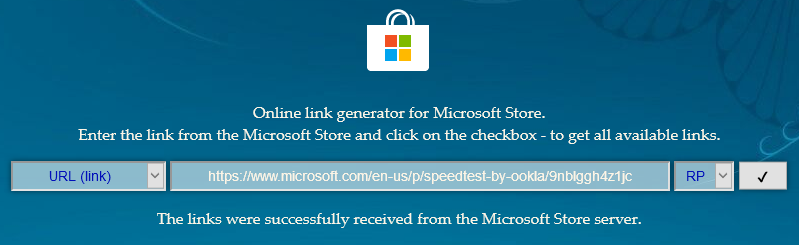
Open https://store.rg-adguard.net/ 3.3k site and find the site for whatever store app you want to install

Copy store app address to the downloader page
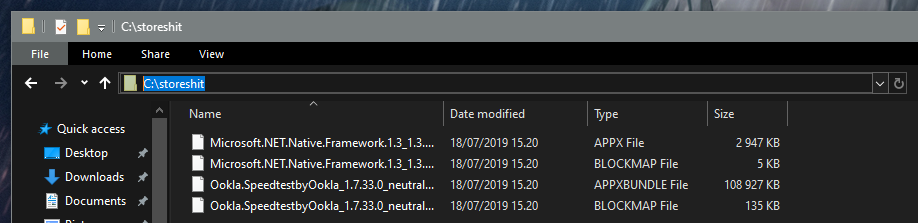
Download the last .appx file and its .blockmap counterpart

It’ll most likely error about missing .appx, which you cannot know before trying to install that .appx
In this case thats Microsoft.NET.Native.Framework, which the site also lists to the same list, so need to also download that one
Whatever folder will do, and its just easier to copypaste that file path from
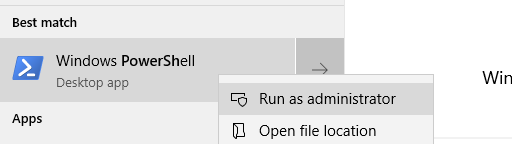
Run PowerShell as administrator
Mount the download folder with
cd C:\storeshitInstall the .appx file with
Add-AppxPackage .\Microsoft.NET.Native.Framework.1.3_1.3.24211.0_x64__8wekyb3d8bbwe.Appxand install all of the .appx files with the same
Add-AppxPackage .\Ookla.SpeedtestbyOokla_1.7.33.0_neutral_~_43tkc6nmykmb6.AppxBundleDone, reboot



0 Nhận xét